



Sales
- Sell by barcode or product search
- Image-based quick product buttons
- Percentage and fixed-amount discounts
- Multiple price lists, customer-specific prices
- Hold up to 5 sales
- Standard returns and returns with an expense voucher (gider pusulası)
Retail POSRetail & POS
Sahatek Market speeds up retail sales for everyone from grocery stores and butchers to nut shops and hypermarkets. Product images on a touchscreen, scale-connected selling, fiscal cash register integration, one-key payment and per-cashier reports.

Retail POS software is point-of-sale (POS) software that lets retail businesses make quick sales by barcode or touchscreen, take payment and issue the receipt, and track inventory and cash in real time. Sahatek Market offers scale and fiscal cash register integration, cashier permissions, sales on account and offline operation.
Weighed products take too long at the till.
With scale integration and label barcodes, the product and weight come up automatically.
Cashiers give discounts and void sales, and nobody knows.
Per-cashier permissions and reports keep every transaction on record.
Sales stop when the internet goes down.
Sahatek Market works offline; once the connection is back, sales are sent automatically.
A power cut or fiscal register error wipes out an unfinished sale.
Unfinished sales are recovered automatically at the next start-up; the cashier is asked about any unclear payment.
Quick sale screen
Scan the barcode or tap an image-based quick product button. Cash, card, on account, change, discount, hold and return sit on the F1–F12 shortcut keys, and the remaining stock of the selected product is shown on screen.
Payment
Choose the payment type with a single tap. The change screen works out change from the amount tendered; on card payments you select instalments and the POS account; cash, card and the remaining balance can be combined in one sale. For sales on account, the customer balance, down payment and due date are on the same screen.

Scales and fiscal registers
Weighing on screen: weight, unit price and amount appear in large digits, and the product and weight are read automatically from the barcode on the scale label. Receipts and payments go to the fiscal cash register line by line; X and Z reports are taken from the program.

Reports
The sales and totals report lists the day’s sales by cashier, payment type, VAT, discount and document number. The cash report shows the opening balance, cash and card collections, and the closing balance.

Fiscal cash register integration
Sales data and payments are transmitted directly to the device; receipt cancellations and X and Z reports are managed from the program.
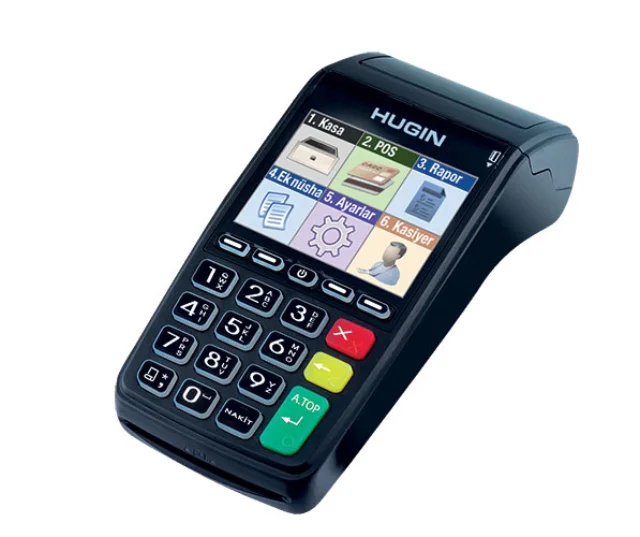 Hugin T300
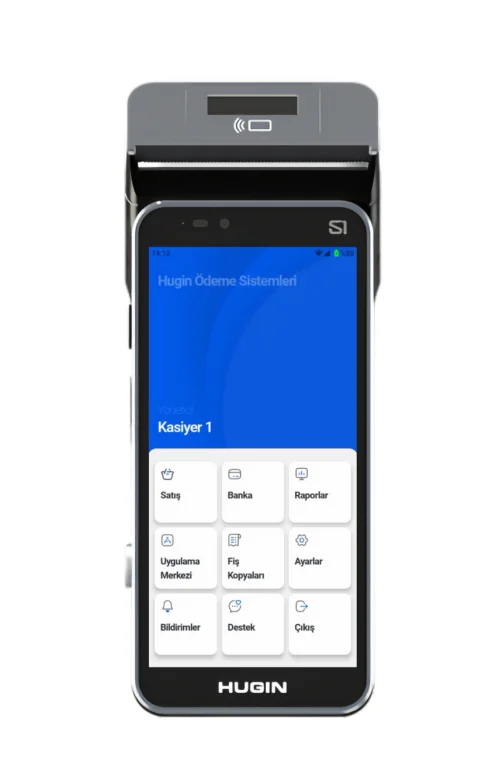 Hugin S1
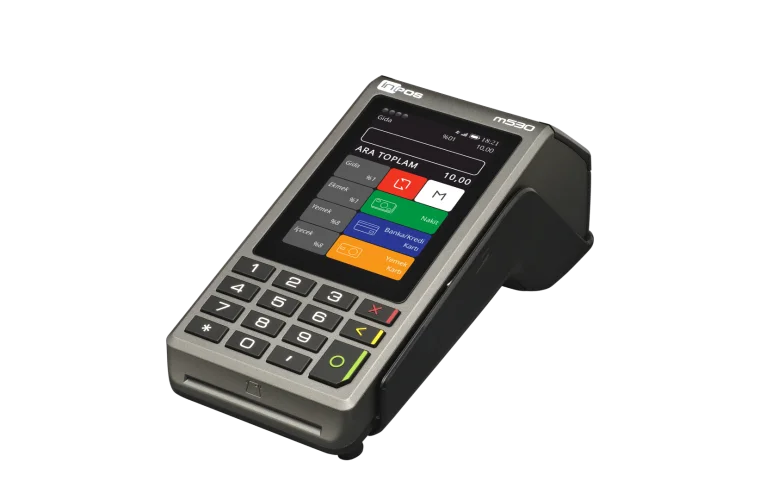 Inpos M530
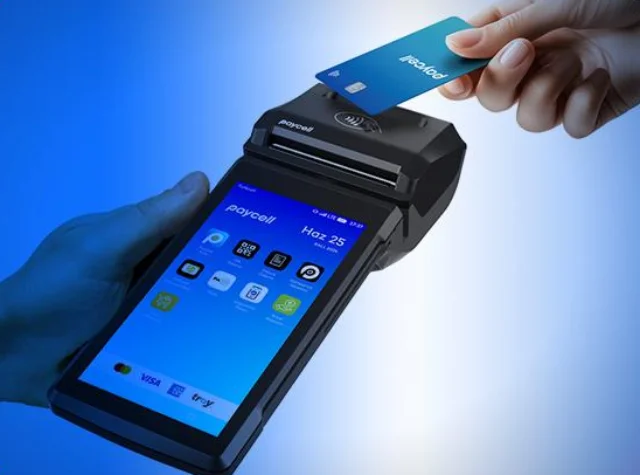 Paycell
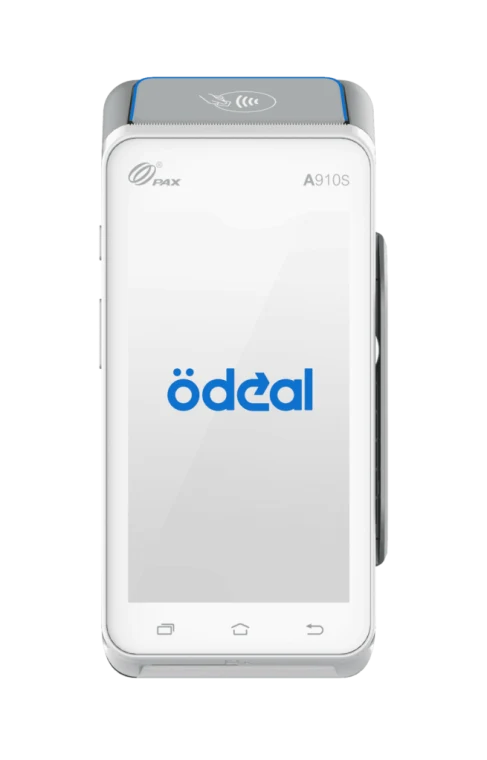 Ödeal A910S
Device images are the manufacturers’ official product images; brand and model names belong to their owners.
Everything a checkout needs, from corner shop to hypermarket.
Yes. Data is kept in a local database on the computer; sales continue while offline and are sent to the server once the connection is back.
It works with CAS U-211, TEM EGE LED and CAS JR scales; the product and weight are read automatically from the barcode on the scale label.
Yes. Receipts and payments are sent to Hugin T300, Hugin S1, Inpos M530, Paycell and Ödeal A910S fiscal cash registers (ÖKC, the certified fiscal devices used in Turkey); X and Z reports can be taken from the program.
Sahatek Market is priced per branch, not per cashier — each branch can have as many cashiers as you need. Call us for a tailored quote.
Field sales app for Android and iOS. Works offline and prints receipts on the spot.
ExploreDesktop & WebInventory, customer accounts, invoicing, cash and bank — on desktop and in the browser.
Exploree-Invoice infrastructureSend your e-documents in one click, from the office or the field.
ExploreB2B & E-CommerceYour dealers order 24/7 from the Sahatek B2B app or b2b.sahatek.com.
ExploreTailored to youModules, reports, integrations and apps built for your needs.
ExploreWe’ll work out the right setup and hardware for your store together.